How to teach yoga online
A setup guide for certified yoga teachers moving real classes and real expertise online: choosing the delivery model, recording properly, clearing music and consent, picking a platform and launching a paid offer. It does not cover teacher training — you are assumed to be qualified already.
Last reviewed
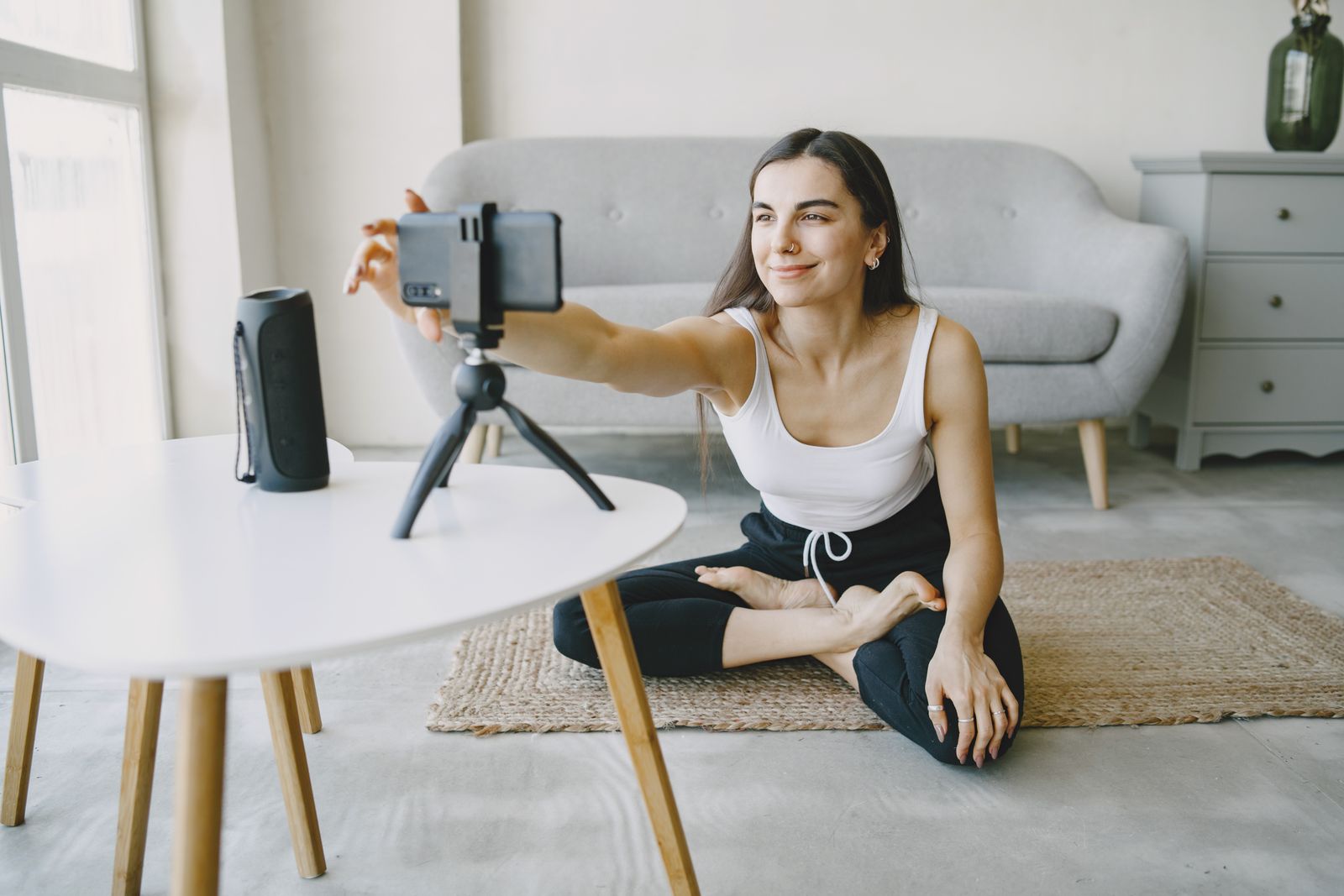
Six steps, in the order they should be decided:
- Decide live, on-demand or hybrid
- Choose the classes you will teach
- Set up to record or stream
- Clear music, consent and privacy
- Choose a platform against real criteria
- Package and launch your first paid offer
Live, on-demand, or hybrid?
Decide the model before the equipment, because everything downstream — schedule, setup, pricing, platform — depends on it. The choice is a business decision dressed up as a teaching one.
Live keeps what a studio class has: presence, correction by voice, students who show up because you see them. It also keeps the constraints — your income is capped by your calendar, time zones shrink your reachable audience to a slice of the day, and a missed week earns nothing. On-demand inverts all of it: a class is taught once and watched indefinitely, across every time zone, by ten students or a thousand; the trade is that connection now has to be built deliberately, and a recorded library must be good enough to be re-watched, not just attended. Revenue shape differs too — live sells classes, on-demand sells continuing access, which rises or falls with retention.
Hybrid is where most teaching businesses land: live classes where relationships and accountability are made, and a recorded library where the durable income compounds. If you run hybrid, let each side do its own job rather than filming live classes and calling the archive a product — recorded classes have their own craft, covered below.
Choose the classes you will teach
Design for repeat viewing, because that is what online students do. A studio schedule optimizes for variety on a timetable; a library optimizes for "the right class right now" — which means covering the grid of style, length and level deliberately. Short practices for weekday mornings, longer sessions for weekends, one clear beginners' entry point, and your actual specialism given the depth it deserves.
Series beat one-offs. A five-class foundations sequence, a month of backbends, a course of evening wind-downs — series give new students a path, returning students a reason to come back tomorrow, and you a filming plan instead of a blank calendar. Name classes for what a student is looking for, not what the playlist meant to you: "30-minute morning flow, all levels" finds its student; "Radiance, part 3" does not.
Set up to record or stream
The recording setup has one job: a student who cannot be adjusted by hand must be able to see your alignment and hear every cue. Everything below serves those two outcomes.
Space and framing. Frame wide enough that your whole mat is visible with room above the head and below the feet — standing poses and floor work must both fit without reframing mid-class. Camera at roughly hip height, landscape, on a stable stand; a plain, uncluttered background keeps attention on the body doing the demonstrating.
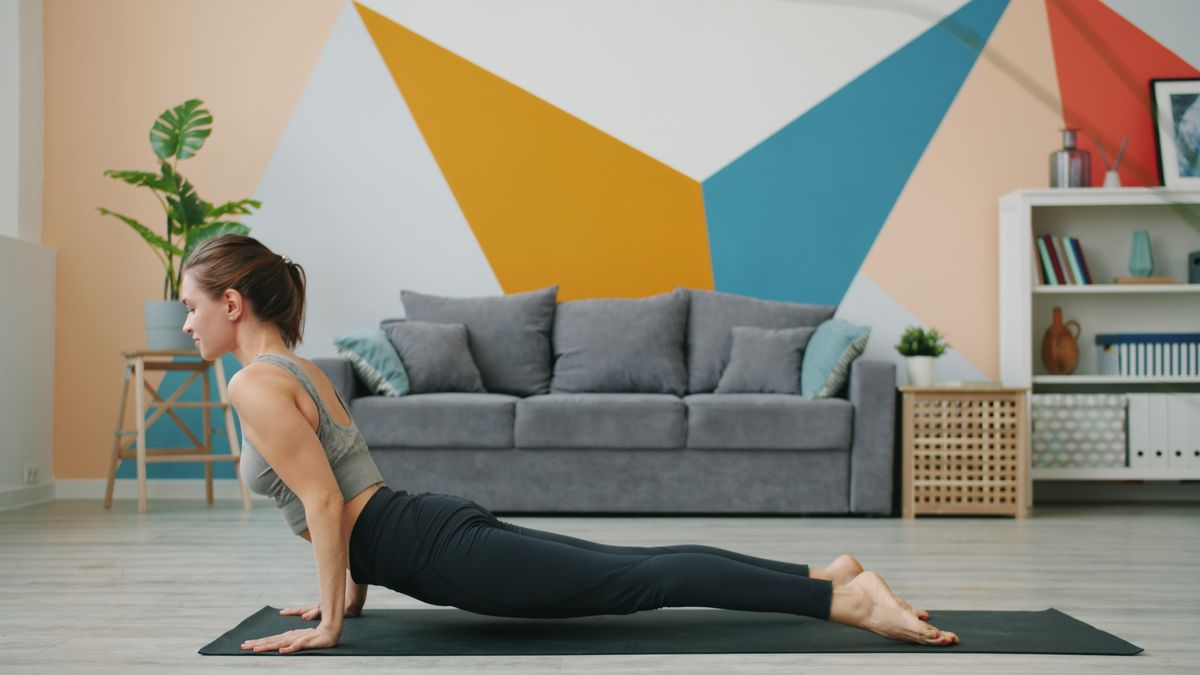
Light and picture. Face the light source — a window is enough — and avoid windows behind you, which turn you into a silhouette. A recent phone outperforms an old camcorder; stability and light matter more than the sensor.
Audio. The half everyone underinvests in. Cues carry the class when eyes are closed or turned away, so use a lapel or shotgun microphone if you can, record a silent room if you cannot, and always play back the first minutes before filming the hour.
Cueing for camera. Without hands-on adjustment, your words do the adjusting: name directions unambiguously, mirror deliberately and consistently, describe sensation as well as shape, and offer the modification before the full expression. Teach the camera the way you would teach the student at the very back of a big room.
Rights, music, and student privacy
Three legal-adjacent areas need handling before anything is sold — stated here as caution, not legal advice.
Music. Commercial tracks are licensed, and a license that covers a free social platform does not cover your paid service. The safe defaults are silence, original or commissioned audio, or music explicitly licensed for commercial video use — with the license kept in writing. The primary sources linked at the end of this page are the starting points; when in doubt, ask the rights holder or a professional rather than the internet.
Likeness and consent. If students appear on camera — in a filmed studio class or a live session you record — get written consent that names commercial use. Verbal agreement in a warm room does not survive a dispute, and cutting a student out of footage later is harder than a form now.
Student data. Online teaching makes you a holder of names, emails and payment records. Collect only what you need, keep it where it belongs — in your platform and email tools, not spreadsheets on a laptop — and know your jurisdiction's basics before the list grows.
What to look for in a platform
The best platform for teaching yoga online is the one that passes your checklist, not the one with the best demo. Five requirements separate the serious options; ask each vendor the question in the second column and write the answers down.
| Requirement | What to check before signing |
|---|---|
| Access control | Can you sell subscriptions and one-off access, offer free previews, and decide exactly who sees what? |
| Device coverage | Where can students watch — browser, phone, TV — and which of those screens cost extra? |
| Payments | Which payment methods do students see at checkout, and who holds the billing relationship — you or the platform? |
| Branding | Whose name is on the apps and the class pages? A marketplace grows its brand with your classes; your own service grows yours. |
| Ownership and exit | If you leave, do the videos, the student list and the subscriptions leave with you? |
The general shape of what a dedicated platform should cover is on platform requirements for recorded classes. For transparency about where Propel sits against this checklist: it hosts and sells recorded classes — subscriptions, one-time purchases and free previews, with apps under your brand on Web, iOS, Android, Apple TV, Android TV — and it does not run live sessions, bookings, rosters or student progress tracking. If your model is heavily live, pair it with the live tools you already use.
Package your first offer
Launch with a ladder, not a wall. A free sample — one genuinely good class, not an advert — lets a stranger experience your teaching and costs them only an email address. A paid series gives buyers a finite, confident first purchase: five classes with a beginning and an end, at a price that feels like a decision rather than a commitment. The membership is the destination for people who finish the series and want the whole library.
Sequence the launch to the students you already teach: announce what is coming, open with a founder offer to the warm list, then keep publishing on the rhythm you can sustain. A modest library launched to real students beats a perfect library launched to nobody.
Communicate with students
Online, communication replaces the front desk. Onboard deliberately: a new member's first email should say where to start, what arrives when, and how to ask for help. Set expectations about cadence — "two new classes a month" kept is worth more than "new content weekly" broken — and keep a visible rhythm of contact, because a member who hears from you monthly remembers why they subscribed.
Set support boundaries early and kindly: which questions you answer, where, and how fast. Teaching online does not oblige you to be on call; it obliges you to be clear about when you are.
Teach safely and accessibly
You cannot see your online students, so safety moves into the language. Cue contraindications plainly and early — who should skip or modify a pose, and what to do instead. Build props and modifications into the teaching rather than appending them, and treat the modified version as a full expression of the pose, because for many students it is.
Two lines to hold without exception: invite students to work within their own range and stop at pain, and make no medical or therapeutic claims — yoga classes are teaching, not treatment, and "may help with" marketing crosses a line that costs credibility and possibly more. Accessible teaching is also better teaching on camera: clear language, visible options, no assumption about the body on the other side of the screen.
Measure what matters
Vanity metrics transfer badly from social platforms. What predicts a durable teaching business is behavior:
- Watch-through — whether students finish classes, and where they stop.
- Repeat viewing — which classes are practiced again. The strongest signal for what to make more of.
- Retention — how long members stay. The number the whole recorded model stands on.
- Cancellations — read the exit reasons. Three students saying "I never knew where to start" is a curriculum problem with a fix.
Check monthly, not daily. Class-level numbers wobble; trends teach.
FAQ
Can I get paid to teach yoga online? +
Yes — teachers charge for live classes over video call, sell recorded series at one-off prices, and run membership libraries billed monthly. Getting paid reliably is a platform question: you need real access control and a checkout that belongs to your business, not a link in a bio and goodwill.
Do I need a certification to teach yoga online? +
This guide assumes you are already a qualified teacher and takes no position on certification — that is between you, your insurer and your training body. Nothing online changes your existing professional obligations.
What equipment do I need? +
Less than the gear lists suggest: a recent phone on a stable stand, a clear wall, daylight or one soft light, and a quiet room take you a long way. Upgrade audio before video if you upgrade anything — students forgive soft focus, not inaudible cues.
Should I teach live or publish recorded classes? +
Live preserves the energy and relationship of a class and needs no editing; recorded classes are teachable once and watchable forever, across time zones, and they build a library you can sell. Most sustainable online teaching ends up hybrid: live where relationships are made, recorded where income compounds.
Sources
- U.S. Copyright Office — Frequently Asked Questions Checked on
- ASCAP — music licensing overview Checked on
Primary starting points for music-licensing questions. Rules and rates change and vary by country — check the source, and take specific questions to a professional.