How to teach Pilates online as a certified instructor
This guide is for instructors who are already certified and want to take existing classes online. It offers no certification or training advice, and no medical or rehabilitation guidance — it covers the business and production decisions: format, filming, cueing for camera, library structure, pricing and platform.
Last reviewed
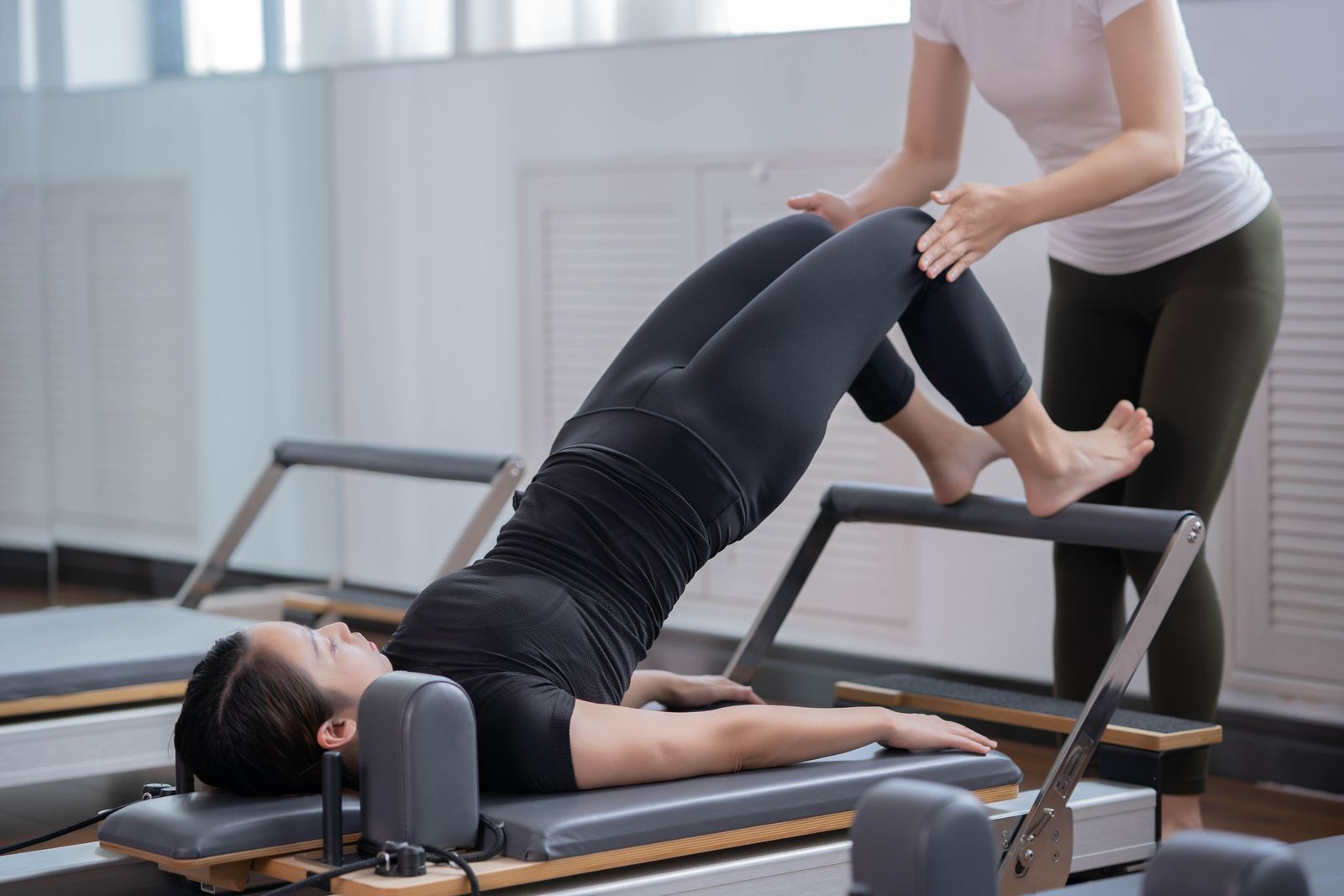
If you can already teach a room, you can teach a screen — but not by pointing a camera at your usual class and hoping. Online teaching changes the equipment your clients have, the way your cues must work, and the shape of the business underneath. Seven decisions, in order:
- Decide your format
Choose live, on-demand or hybrid on business grounds: capacity, time zones and the shape of the revenue.
- Plan for your clients' equipment
Program for the mat and props people have at home; treat reformer work as its own tier.
- Set up your space and camera
Frame the whole body, light the room evenly and capture clean audio, so alignment reads on a screen.
- Relearn cueing for camera
Replace hands-on correction with precise verbal cues, mirrored demonstration and named common errors.
- Sort safety, screening and rights
Ask in-scope pre-participation questions, refer medical issues out, and use music you have the rights to.
- Build the library
Organize classes by level, duration and equipment, in series that give a member somewhere to go next.
- Package, price and launch
Sell access as classes, series or a membership — to your existing clients first.
Decide your format: live, on-demand, or hybrid
Format is a business decision, so make it with business inputs. A live online class keeps the appointment and the accountability, and it suits a small group that already knows you — but it still spends an hour of your week per class, still collides with time zones, and still caps attendance at what you can watch and correct on a grid of small windows. Revenue from live classes looks exactly like studio revenue: it arrives while you work and stops when you stop.
On-demand inverts all of that. A recorded class costs you the hour once, then serves every client in every time zone without further teaching time. Attendance has no cap, and revenue arrives as recurring access rather than per-session payment — steadier, and slower to build, because a library has to earn its subscribers. Churn replaces no-shows as the number to watch.
Most certified instructors moving online should plan for hybrid: keep the live sessions that anchor your closest clients, and put your systematic effort into the recorded library, because that is the half that compounds. If a platform handles the recorded half, note the boundary early: a recorded-access platform is not booking software, and your scheduled classes stay wherever you schedule them today.
Mat and reformer: what changes online
In the studio you control the equipment; online you inherit whatever your clients own. That single fact should drive your programming more than any production decision.
Mat work travels almost intact. A mat, a towel and floor space are safe assumptions in any home, and small props — band, ball, light weights — are cheap enough to ask for, provided every propped class is labelled so nobody discovers the requirement mid-session. Choose exercises that read from one angle and survive a duvet-sized practice space: home clients rarely have the run-out room a studio mat class assumes.
Reformer and apparatus work is a tier, not an assumption. Some of your clients own a reformer or a chair; most do not, and nobody should meet a paywall and then learn they lack the machine. Program reformer content as its own clearly-marked track for clients with equipment, film it so the apparatus, springs and straps are visible and safe, and — where the movement transfers — offer mat alternatives that chase the same movement intent. Never present a mat substitution as a rehabilitation or therapeutic equivalent; that is clinical territory this guide stays out of.
Set up your space and camera
Pilates teaching lives on visible alignment, so the camera's one job is to make alignment readable. Set the camera far enough back, at roughly hip height, to hold your whole body in frame in every orientation a class uses — standing, supine, side-lying — with the mat fully visible. Filming from too high flattens spinal articulation; filming from too close amputates feet the moment you lie down. Walk the class through your own framing check before you press record.
A second angle earns its keep faster in Pilates than in most disciplines. A front-on angle plus a profile angle lets you show pelvic position and spinal curves properly; on apparatus it is the difference between demonstrating a movement and demonstrating a blur of springs. Two phones and a simple edit are enough — this is about sightlines, not cinema.
Light the room evenly from in front of you, never from a window behind, and dress in contrast to your mat and floor so your silhouette stays legible. Then take audio more seriously than video: clients forgive a plain image and abandon a class they cannot hear. Cueing is continuous in Pilates, often delivered while you move, so test a clip-on or nearby microphone in motion, not at your desk. Keep the frame clutter-free, and check that any apparatus is fully in shot before every take — a strap adjusted off-camera is a cue your clients never saw.
Cueing without hands-on correction
The studio skill that does not transfer is your hands. Online, every correction you would have made with a touch has to arrive through language, demonstration and anticipation — and the instructors who thrive on camera are the ones who rebuild their cueing deliberately instead of narrating and hoping.
- Cue precisely, in your established vocabulary. Directional, anatomical cues — where the pelvis is, what the ribs do, where the reach goes — replace the information your hands used to carry. Imagery still works on camera; vagueness does not.
- Demonstrate more than you would in the studio. On screen, your body is the correction. Show the transition, show the common fault, show the fix — and mirror your cues so your left matches the viewer's left, one habit that instantly separates practiced online teachers from beginners.
- Call errors before they happen. You know exactly where a class collapses in each exercise. Name the fault as the exercise begins and give a self-check a client can feel — what presses, what lifts, what should not move — because feeling is the feedback channel that survives the camera.
- Pace for someone practising alone. Recorded classes tempt instructors to rush. Hold set-up positions longer than feels natural, breathe where you want the class to breathe, and let the camera sit in silence you would normally fill.
Safety, screening, and rights
Teaching people you cannot see, in rooms you cannot check, moves safety into your words and your paperwork. Ask pre-participation questions that stay within an instructor's scope — current practice level, comfortable equipment, enough clear space — and state plainly in each class description who it is for and what it assumes. When a client raises pain, injury, pregnancy or a medical condition, refer them to a clinician: screening is within your scope, diagnosis and rehabilitation are not, and this guide gives no medical advice of any kind.
Use contraindication language that instructs without diagnosing — "skip this if it does not feel right today, and see a professional if pain persists" respects both your scope and your client. Put the same care into rights: commercial tracks need licensing that personal streaming accounts do not grant, so use properly licensed music or teach without it — many recorded Pilates classes are better with only your voice. And if a live recording shows client names or faces, get consent before it enters the library.
Build a class library worth subscribing to
One-off classes get watched; a structured library gets subscribed to. The difference is organization, and in Pilates the organizing axes are obvious because your teaching already uses them: level, duration and equipment. A client should find "beginner, twenty minutes, mat only" in seconds, and a class should never let someone discover its equipment list after paying.
Series are what make a library feel like teaching rather than a pile of videos. A foundations sequence for new members, a progressive block that builds over weeks, a themed month — ordered work with intent is exactly what distinguishes an instructor's library from an algorithm's playlist, and it is what a member would miss if they left. Publish on a cadence you can sustain, not a heroic launch month followed by silence: a predictable weekly class beats a burst, because members renew on the expectation of what is coming, not the memory of what shipped.
Package and price access
You can sell a recorded class three ways: one class at a time, a series as a one-time purchase, or a membership to the whole library. Single classes suit taster content, series suit structured blocks with a clear outcome, and the membership is where recurring revenue lives — it turns your library into something clients belong to rather than something they buy. Free previews of a class or two let new clients judge your teaching before paying, which shortens the decision better than any sales page.
What to charge is its own decision, made from your audience size, your costs and your income target rather than from a competitor's price tag — how to price online Pilates classes works through the structures and the arithmetic.
What to look for in a platform
Whatever platform hosts your library, judge it on five questions. Who controls access — can you sell subscriptions, one-time purchases and free previews, and does the paywall hold? Where can clients watch — a library that lives only in a browser tab competes badly with apps on the screens people already use; Propel, for instance, ships apps under your brand on Web, iOS, Android, Apple TV, Android TV. How do clients pay — Card, Apple Pay, Google Pay cover how home clients expect to pay. Whose brand is on it — your name or a marketplace's. And whose audience is it — on Propel, your subscribers stay yours: the subscriber relationship stays with you, not with a marketplace.
Be equally clear about what a recorded-access platform is not. Propel does not run bookings, timetables or rosters, does not track client attendance or progress, and does not build training plans — your live schedule and client admin stay in the tools that already run them. What the platform itself costs is covered at what the platform costs.
Launch and grow
Launch to the people who already trust you. Your studio clients, private clients and class lists are warmer than any audience an algorithm will ever send, and a library that helps them practice between sessions is an easy first pitch. Give them a founding reason to join in month one, and let a free sample class do the convincing.
Growth after that is unglamorous and effective: publish on your cadence, ask happy members to bring one person, and watch two numbers — how many people take the free class, and how many members are still with you in month three. Those two tell you whether the funnel and the library are working; everything else is commentary.
FAQ
Do I need a qualification to use this guide? +
This guide assumes you already hold a recognised Pilates certification and gives no advice on obtaining one. Questions about qualifications, training pathways or whether you may teach without certification belong with a certifying body, not here.
What is the minimum equipment to start teaching online? +
For mat classes: a phone or camera that films in landscape, a stable mount at the right height, a room with even light, a microphone you have tested, and space to show a full body on a mat. Reformer filming adds a second angle sooner, but nothing about starting online requires studio-grade production.
Should I teach live online classes or record on demand? +
Decide on business grounds, not habit. Live preserves the class feeling and suits a small loyal group in nearby time zones; on-demand removes the schedule and scales past your calendar. Many instructors run both: teach live where it works, and build the recorded library that earns between sessions.
How much do online Pilates instructors earn? +
There is no single figure, and this guide does not invent one. Income depends on the pay structure — employed, per-class, private or a recorded library — and the guide on Pilates instructor income works through each structure with a calculator for your own numbers.